Tuts – Windows 11 How to create a windows 11 installation usb/media
Create a a windows 11 installation usb
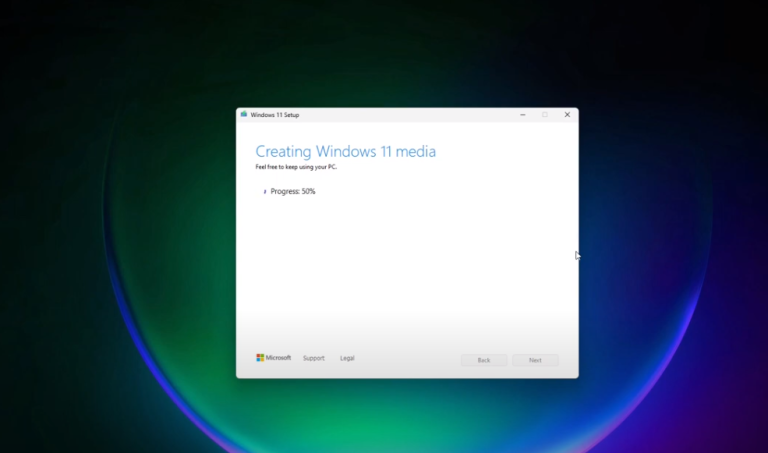
Create a a windows 11 installation usb
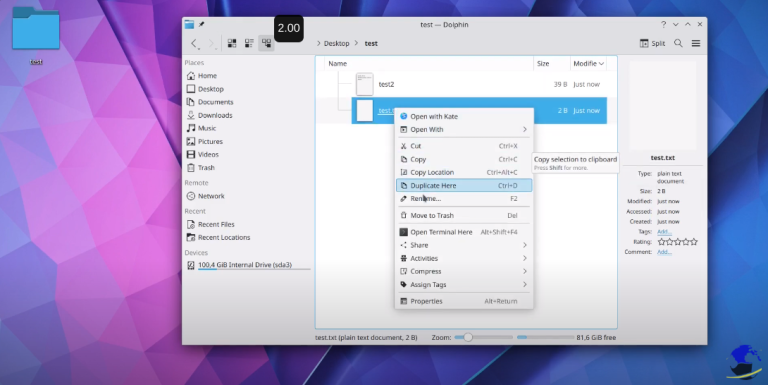
Browser, create, rename, delete, move,select files and folders
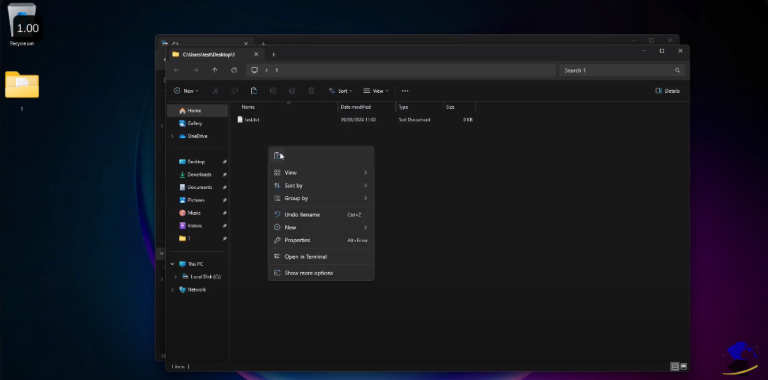
Browser, create, rename, delete, move,select files and folders
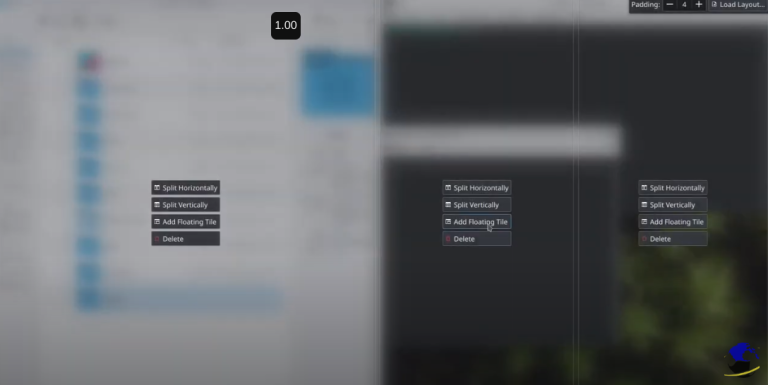
resize, snap, minimize, maximize windows change focused window edit window snapping options
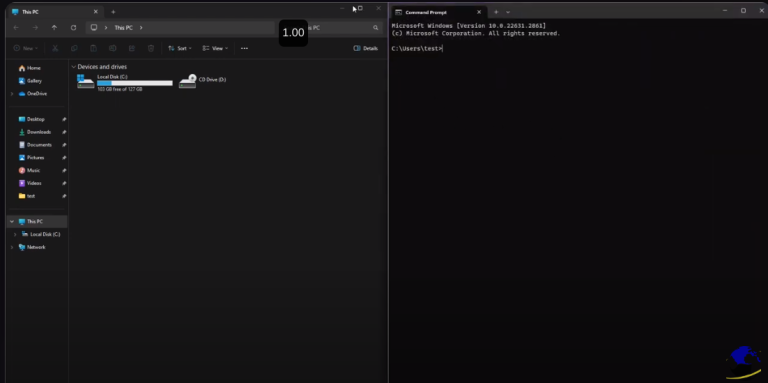
resize change window focus maximize, minimize windows maneuvering windows
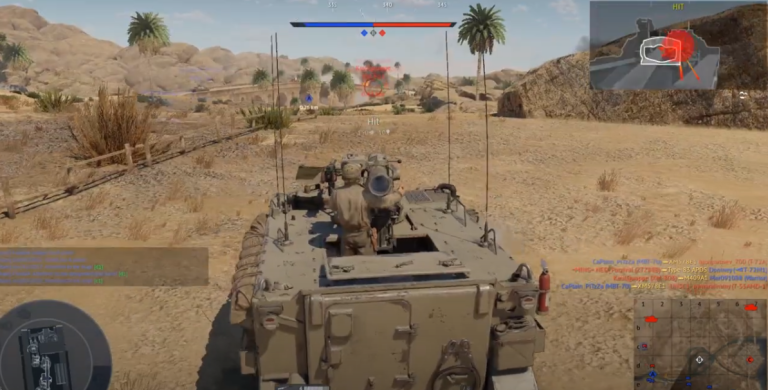
XM-803 and no penetration…
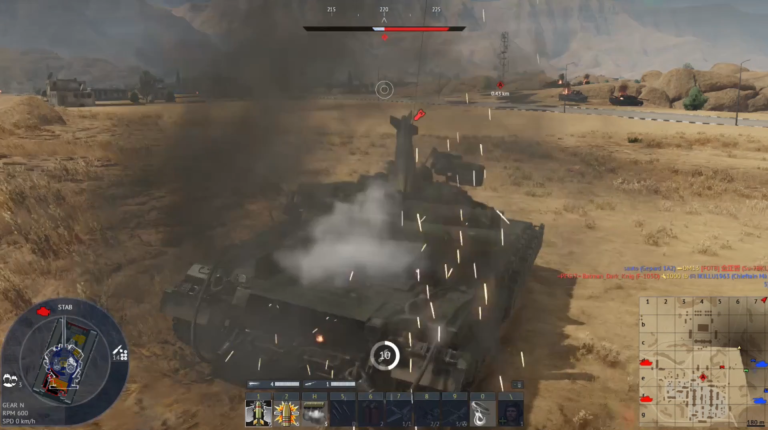
Bomb on the tank and survived
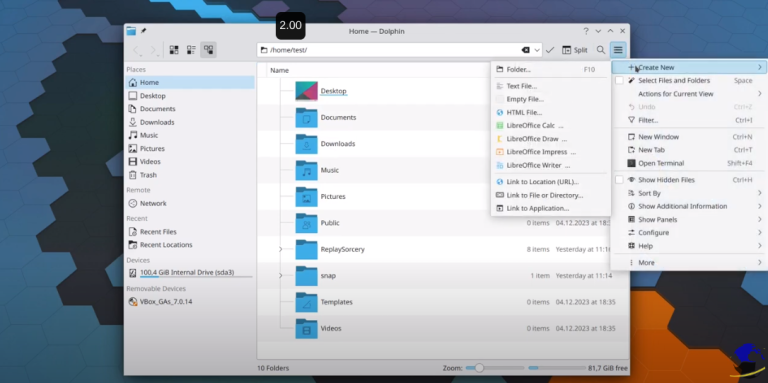
Discover Dolphin Part 1 Address bar Menu Places Sort Terminal
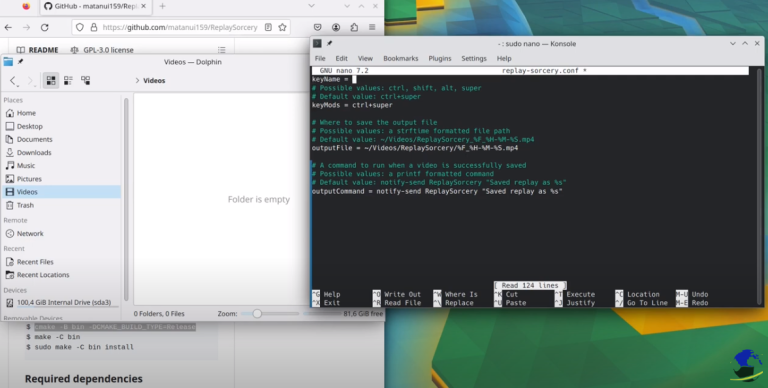
Install Replay sorcery to record instant replays. It is very easy install dependencies sudo apt install install cmake ffmpeg libx11-xcb-dev libavutil-dev libavformat-dev libavdevice-dev libavcodec-dev libavfilter-dev libdrm-dev libpulse-dev build-essentials GitHub URL https://github.com/matanui159/ReplaySorcery Building $ git submodule update –init $ cmake -B bin -DCMAKE_BUILD_TYPE=Release $ make -C bin $ sudo make -C bin install
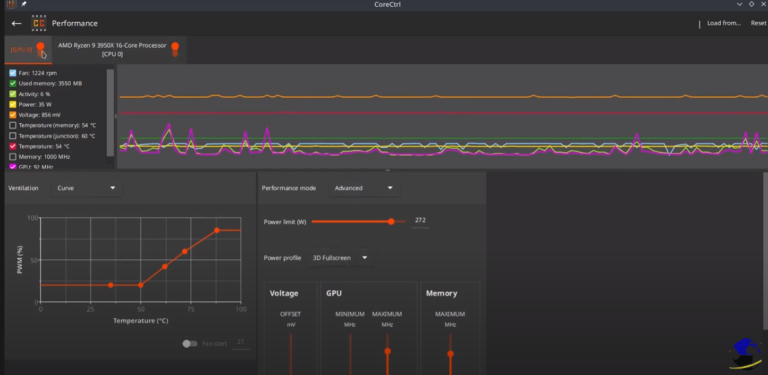
Control with ease your computer hardware using application profiles. installation sudo apt install corectrl url – https://gitlab.com/corectrl/corectrl