KDE neon install TLP and TLP UI
Improve your laptop’s battery with TLP sudo apt-get install tlp sudo add-apt-repository ppa:linuxuprising/apps
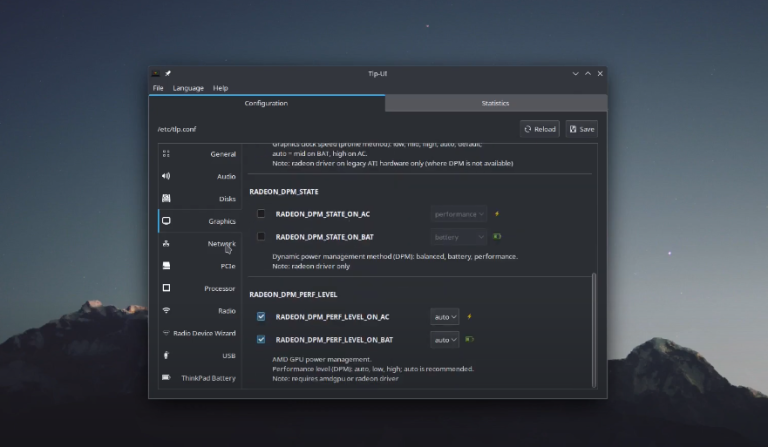
Improve your laptop’s battery with TLP sudo apt-get install tlp sudo add-apt-repository ppa:linuxuprising/apps
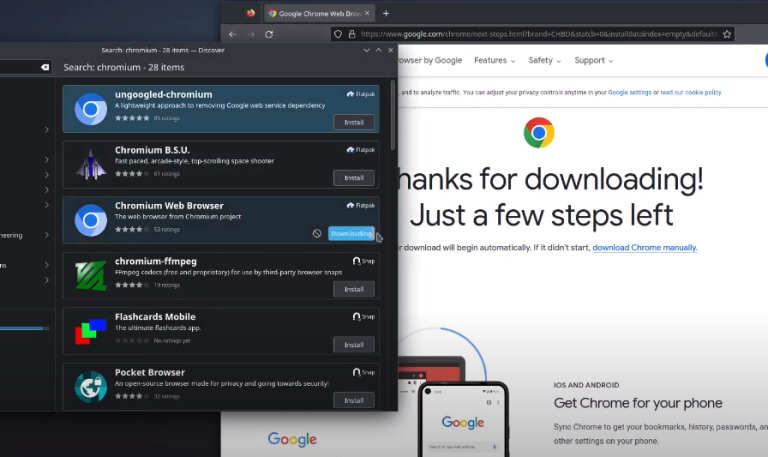
Easy installation Visual studio Code and gitKraken
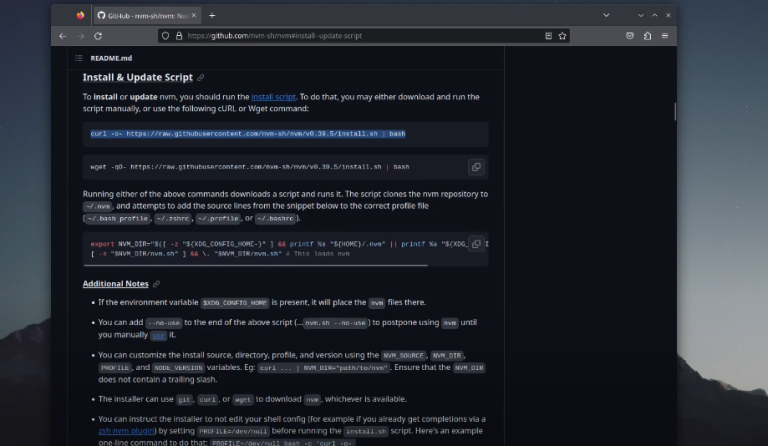
My preferred way to install Node.js https://github.com/nvm-sh/nvm
Inkscape, Gimp, KdenLive and System update with discover. Easy, very Easy…
Libre Office, Chromiumbroswer, Chrome browser easy installation…
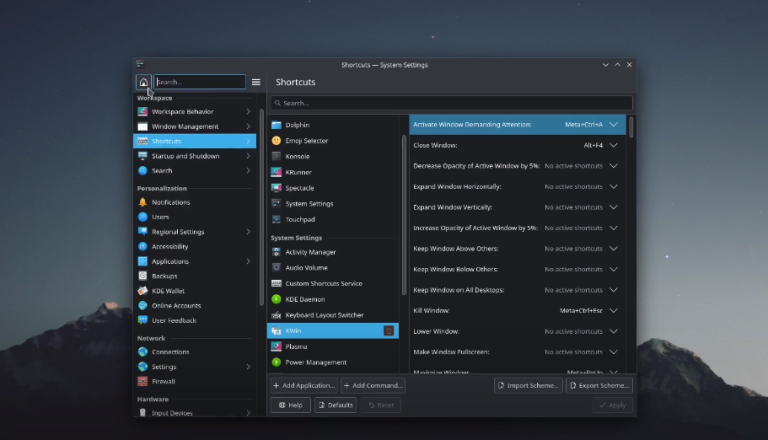
My favourite customization for KDE, simple but very helpful…
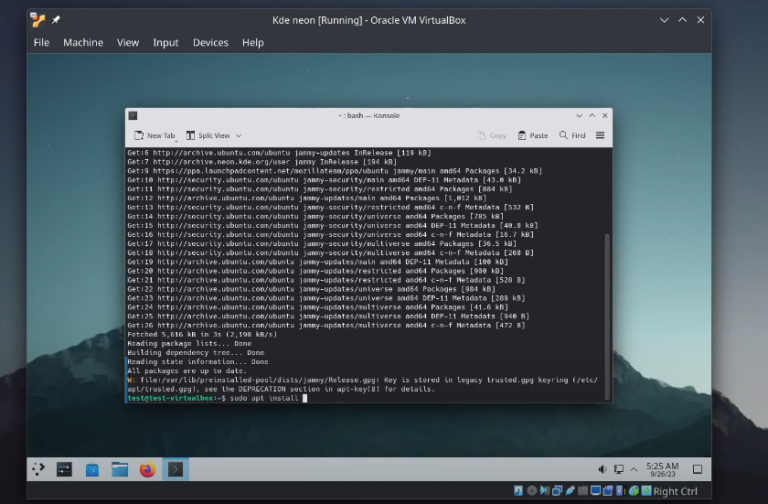
It is the same procedure with Ubuntu distro, because KDE neon based on Ubuntu sudo apt install build-essential linux-headers-$(uname -r) -y sudo ./VBoxLinuxAdditions.run sudo reboot
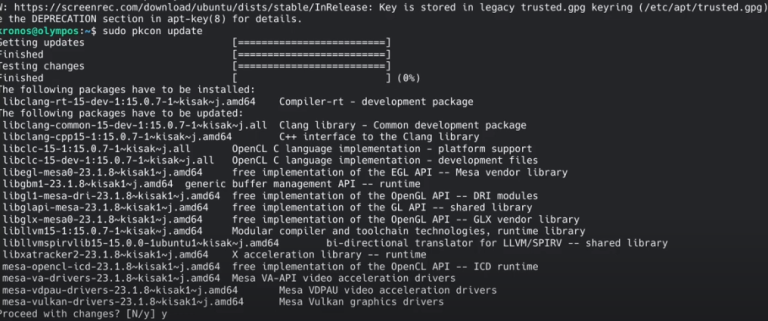
* Latest Stable mesa drivers: sudo add-apt-repository ppa:kisak/kisak-mesa sudo apt upgrade ** Remove sudo apt-get install ppa-purge sudo ppa-purge ppa:kisak/kisak-mesa * Latest mesa drivers: sudo add-apt-repository ppa:oibaf/graphics-drivers sudo apt upgrade ** Remove sudo apt-get install ppa-purge sudo ppa-purge ppa:oibaf/graphics-drivers
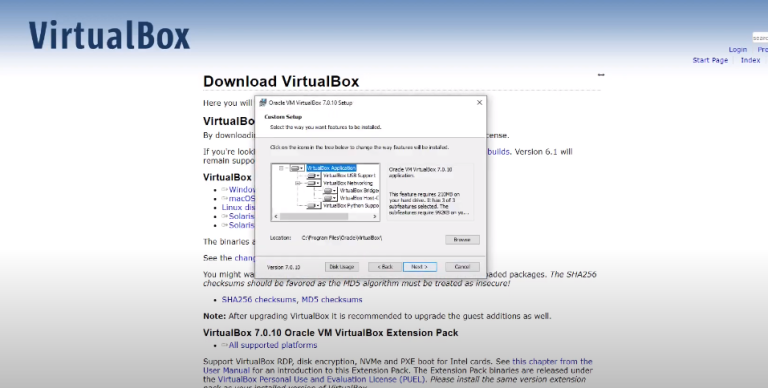
Install Virtual Box for Windows https://www.virtualbox.org/wiki/Downl…
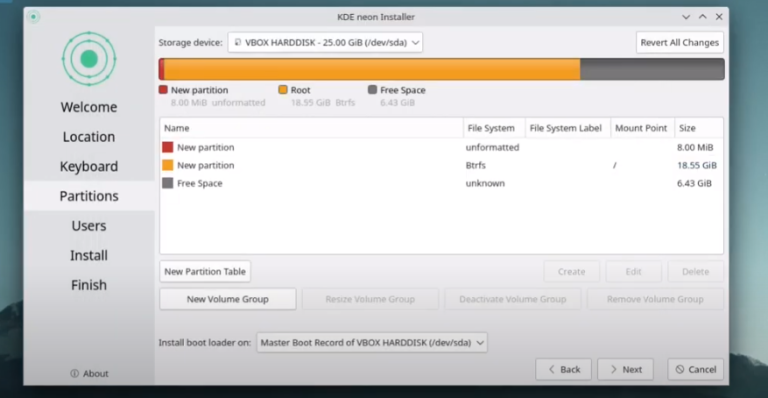
Follow the tutorial • Tuts – Install VirtualBox – KDE neon but on the disk partition choose manual partitioning and then follow this tutorial.