KDE my favourite customization.
My favourite customization for KDE, simple but very helpful…
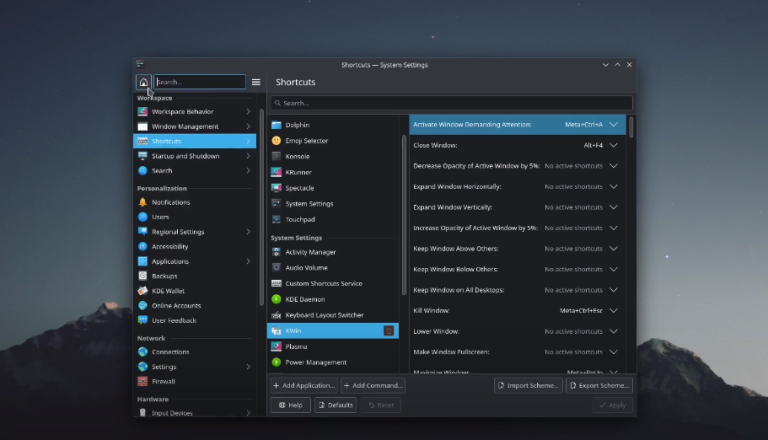
My favourite customization for KDE, simple but very helpful…
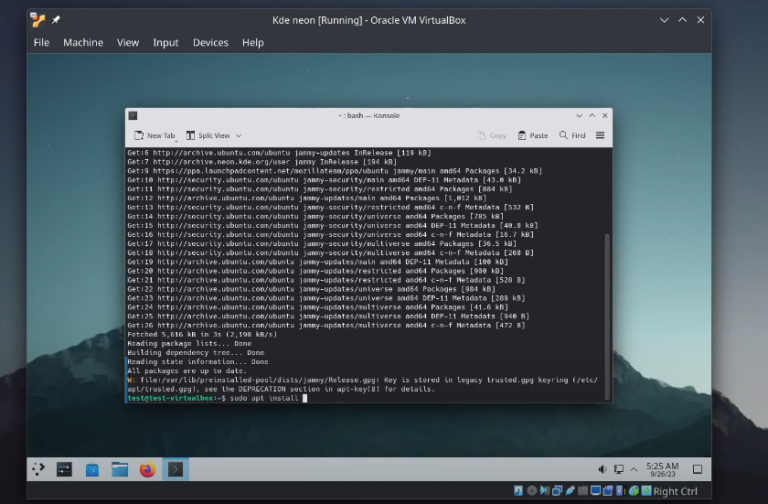
It is the same procedure with Ubuntu distro, because KDE neon based on Ubuntu sudo apt install build-essential linux-headers-$(uname -r) -y sudo ./VBoxLinuxAdditions.run sudo reboot
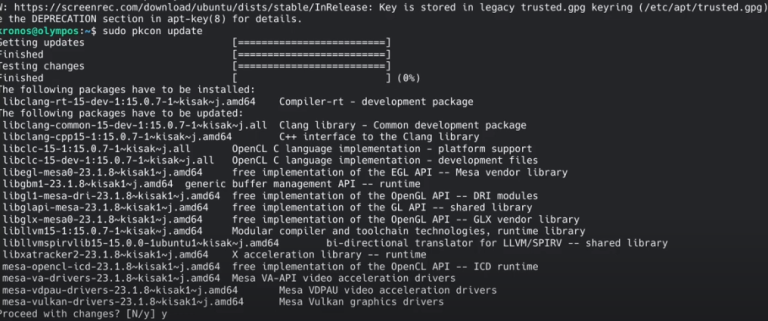
* Latest Stable mesa drivers: sudo add-apt-repository ppa:kisak/kisak-mesa sudo apt upgrade ** Remove sudo apt-get install ppa-purge sudo ppa-purge ppa:kisak/kisak-mesa * Latest mesa drivers: sudo add-apt-repository ppa:oibaf/graphics-drivers sudo apt upgrade ** Remove sudo apt-get install ppa-purge sudo ppa-purge ppa:oibaf/graphics-drivers
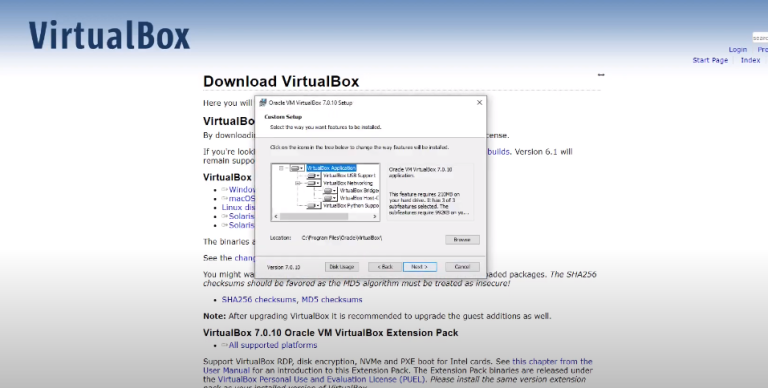
Install Virtual Box for Windows https://www.virtualbox.org/wiki/Downl…
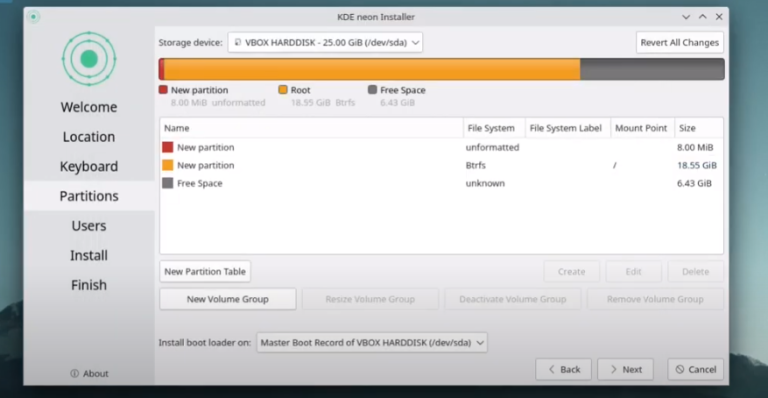
Follow the tutorial • Tuts – Install VirtualBox – KDE neon but on the disk partition choose manual partitioning and then follow this tutorial.
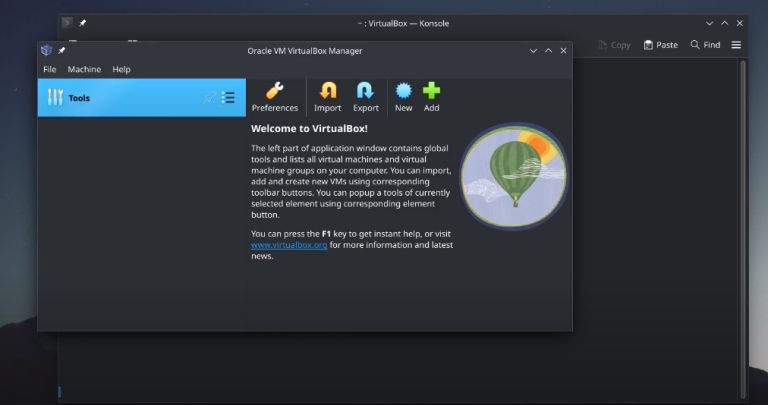
wget O https://www.virtualbox.org/download/o… | sudo gpg –dearmor –yes –output /usr/share/keyrings/oracle-virtualbox-2016.gpg echo “deb [arch=amd64 signed-by=/usr/share/keyrings/oracle-virtualbox-2016.gpg] http://download.virtualbox.org/virtua… $(lsb_release -cs) contrib” | sudo tee /etc/apt/sources.list.d/virtualbox.list sudo apt update sudo apt install virtualbox-7.0 vboxmanage -v | cut -dr -f1 wget https://download.virtualbox.org/virtu… sudo vboxmanage extpack install Oracle_VM_VirtualBox_Extension_Pack-7.0.10.vbox-extpack vboxmanage list extpacks sudo usermod -a -G vboxusers $USER
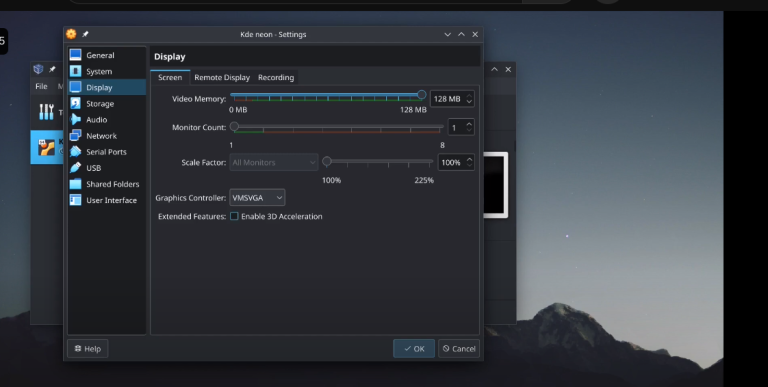
You can use the same method to install it on a bare machine. Create USB ISO on windows – • Tuts – Create an installation USB wit…
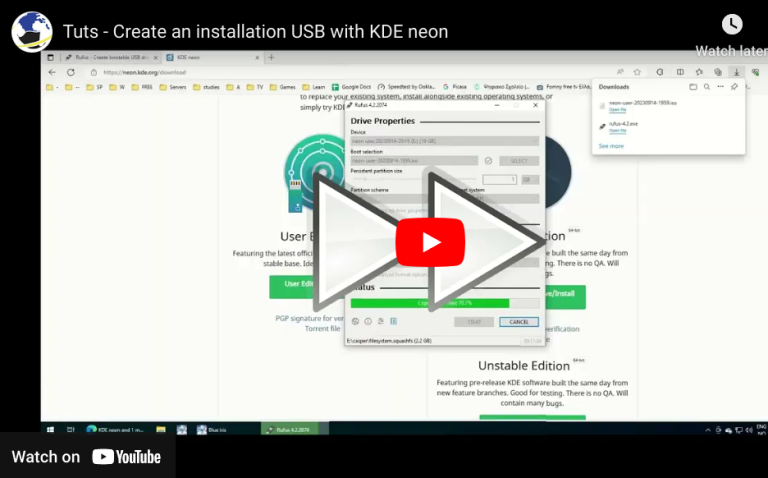
How to create a KDE neon live usb. You can use the same method for other distros URLS: https://rufus.ie/en/ https://neon.kde.org/download

We have detected that you are using extensions to block ads. Please support us by disabling these ads blocker.
