KDE | Linux | Ubuntu | Windows | Windows 11
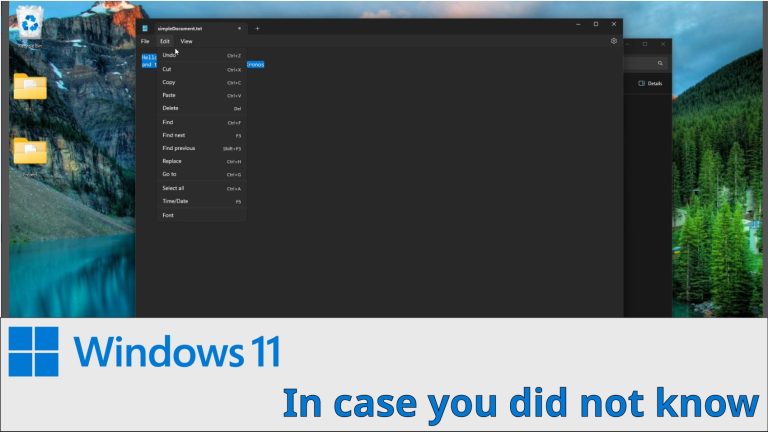
In case you do not know this…
My Gaming channel / @kronosgworld
My Gaming channel / @kronosgworld
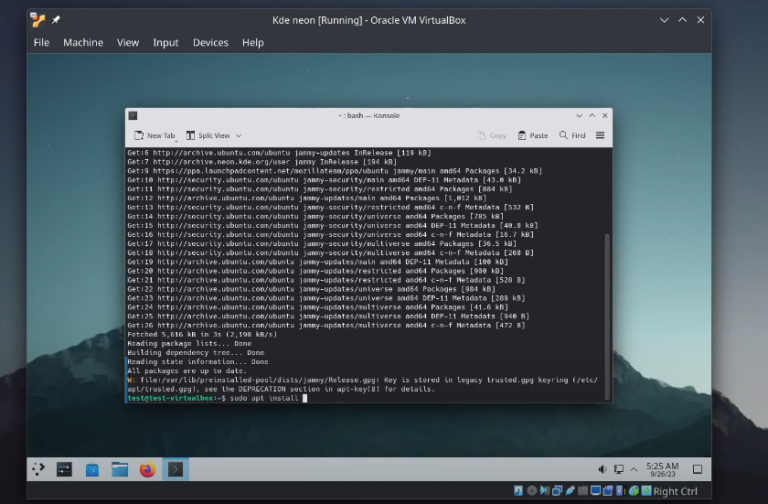
It is the same procedure with Ubuntu distro, because KDE neon based on Ubuntu sudo apt install build-essential linux-headers-$(uname -r) -y sudo ./VBoxLinuxAdditions.run sudo reboot
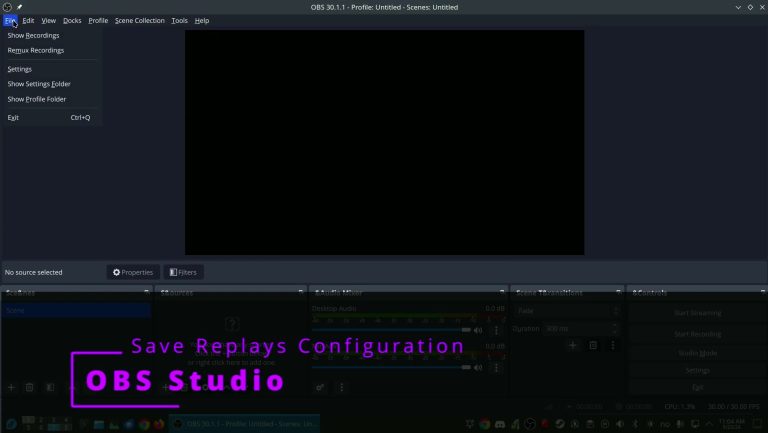
I use it in Fedora instead of replay sorcery when I was using Ubuntu
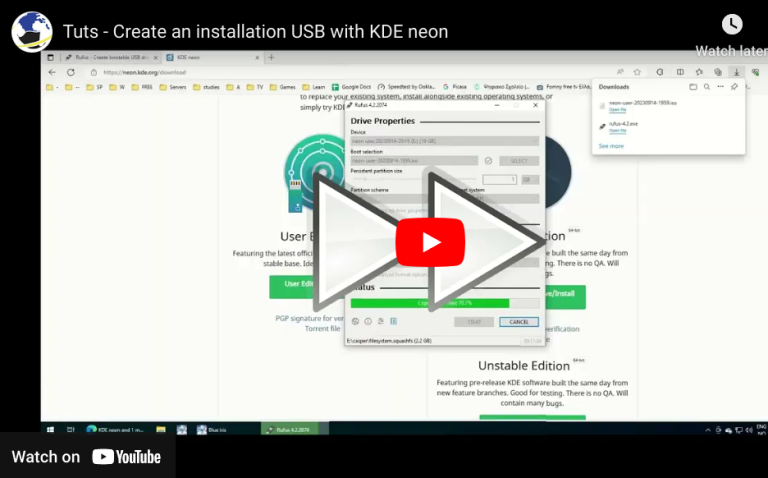
How to create a KDE neon live usb. You can use the same method for other distros URLS: https://rufus.ie/en/ https://neon.kde.org/download
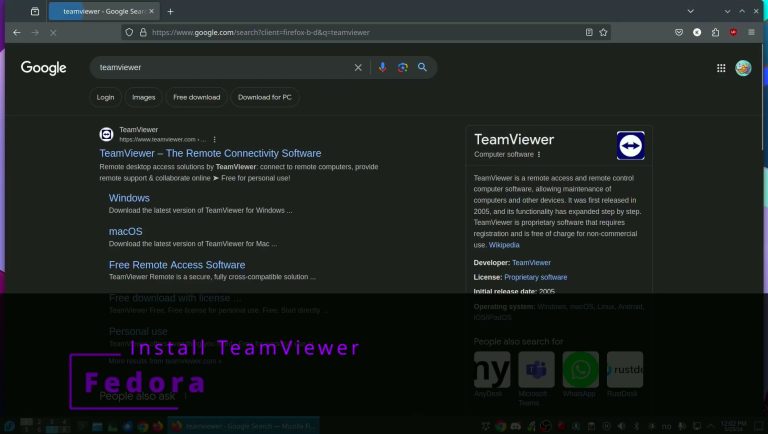
Install TeamViewer in Fedora the easy way
install visual studio code through Discover and from terminal sudo apt install code
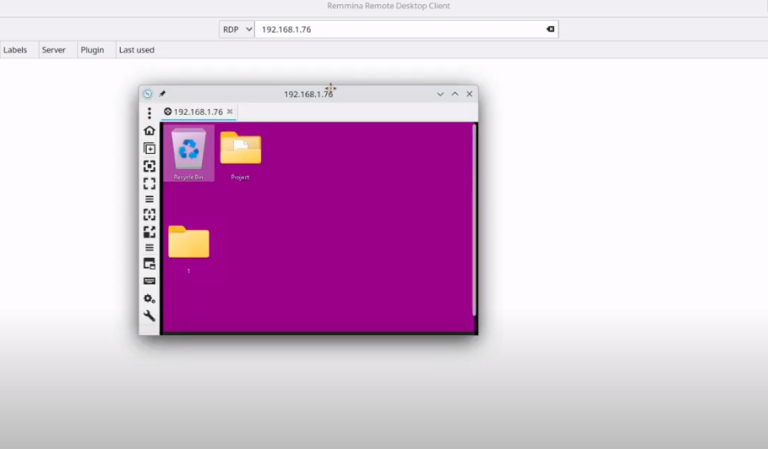
Use KRDC and Remmina to connect to a windows machine with remote desktop. Install Remmina
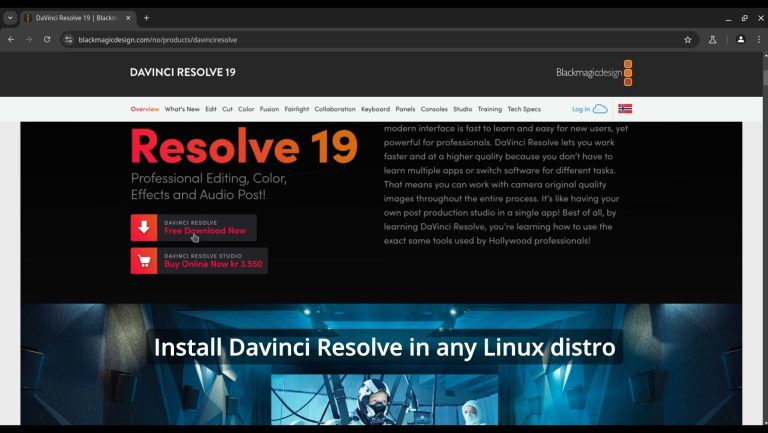
on hostsudo usermod -a -G render,video $LOGNAMEinstall distrobox and podmansudo zypper in podman distrobox orsudo apt install -y podman distrobox orsudo dnf install -y podman distrobox orsudo pacman -S -y podman distrobox rebootgo url to downloadhttps://www.blackmagicdesign.com/no/p…create a Fedora 40 container and enter itdistrobox create distrobox create –name fedora40 –image registry.fedoraproject.org/fedora:40distrobox enter fedora40install dependenciessudo dnf install…
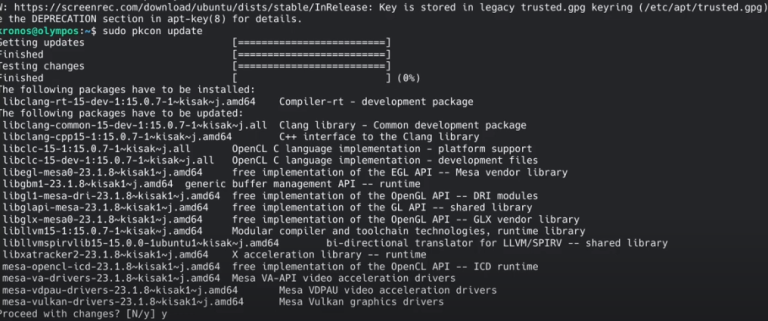
* Latest Stable mesa drivers: sudo add-apt-repository ppa:kisak/kisak-mesa sudo apt upgrade ** Remove sudo apt-get install ppa-purge sudo ppa-purge ppa:kisak/kisak-mesa * Latest mesa drivers: sudo add-apt-repository ppa:oibaf/graphics-drivers sudo apt upgrade ** Remove sudo apt-get install ppa-purge sudo ppa-purge ppa:oibaf/graphics-drivers

We have detected that you are using extensions to block ads. Please support us by disabling these ads blocker.
