KDE | Linux | Ubuntu | Windows | Windows 11
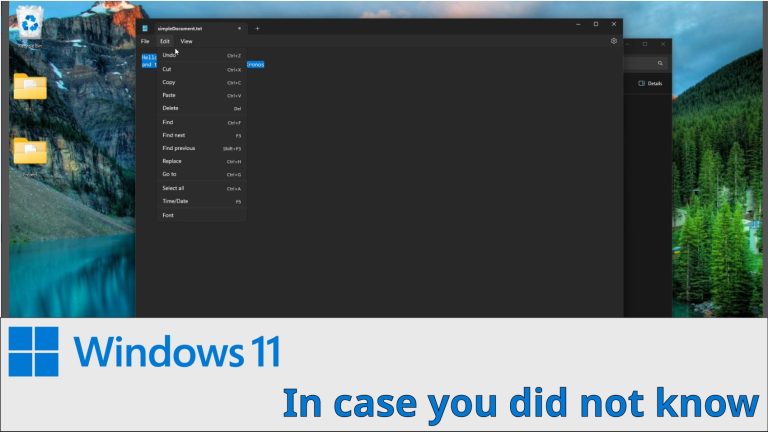
In case you do not know this…
My Gaming channel / @kronosgworld
My Gaming channel / @kronosgworld
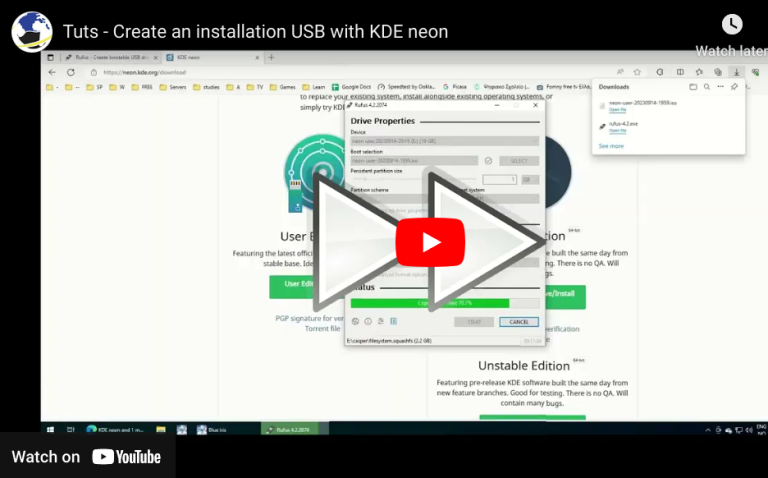
How to create a KDE neon live usb. You can use the same method for other distros URLS: https://rufus.ie/en/ https://neon.kde.org/download
install visual studio code through Discover and from terminal sudo apt install code
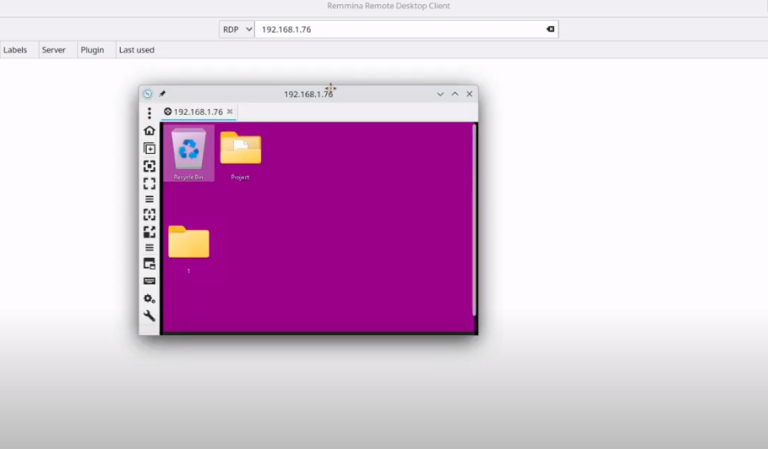
Use KRDC and Remmina to connect to a windows machine with remote desktop. Install Remmina
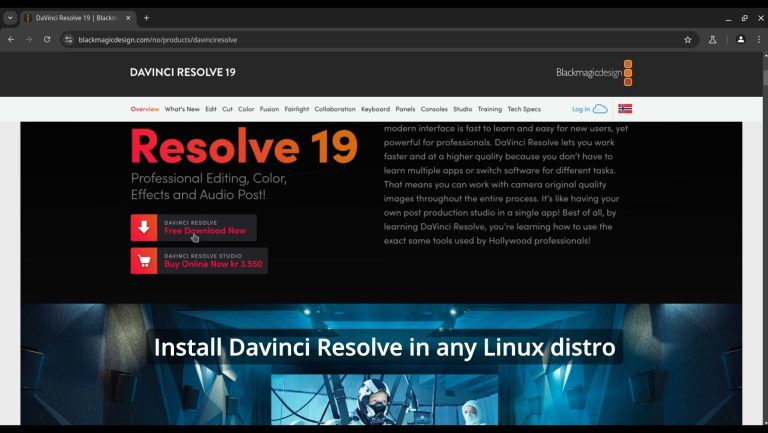
on hostsudo usermod -a -G render,video $LOGNAMEinstall distrobox and podmansudo zypper in podman distrobox orsudo apt install -y podman distrobox orsudo dnf install -y podman distrobox orsudo pacman -S -y podman distrobox rebootgo url to downloadhttps://www.blackmagicdesign.com/no/p…create a Fedora 40 container and enter itdistrobox create distrobox create –name fedora40 –image registry.fedoraproject.org/fedora:40distrobox enter fedora40install dependenciessudo dnf install…
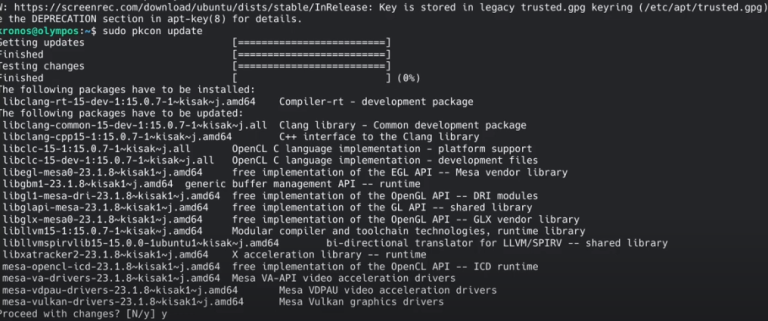
* Latest Stable mesa drivers: sudo add-apt-repository ppa:kisak/kisak-mesa sudo apt upgrade ** Remove sudo apt-get install ppa-purge sudo ppa-purge ppa:kisak/kisak-mesa * Latest mesa drivers: sudo add-apt-repository ppa:oibaf/graphics-drivers sudo apt upgrade ** Remove sudo apt-get install ppa-purge sudo ppa-purge ppa:oibaf/graphics-drivers
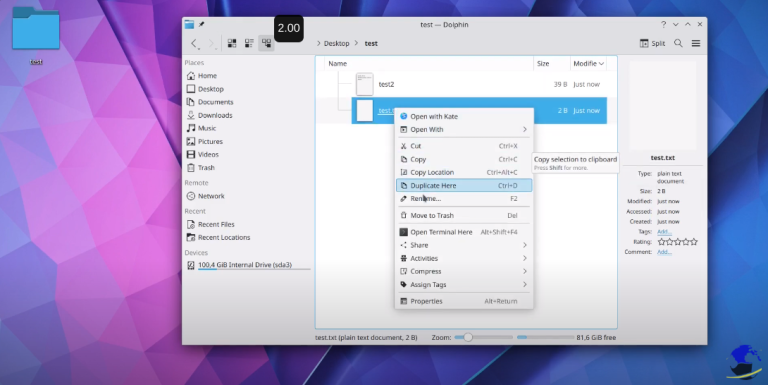
Browser, create, rename, delete, move,select files and folders
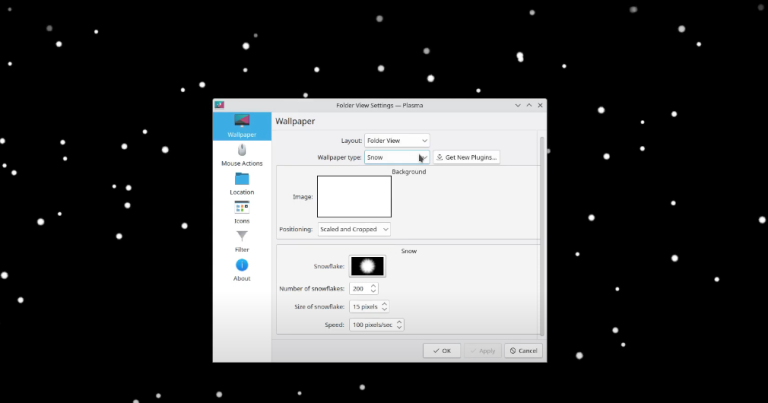
Change wallpaper Install Wallpaper plugin Arrange Desktop Icons Add Desktop plugin
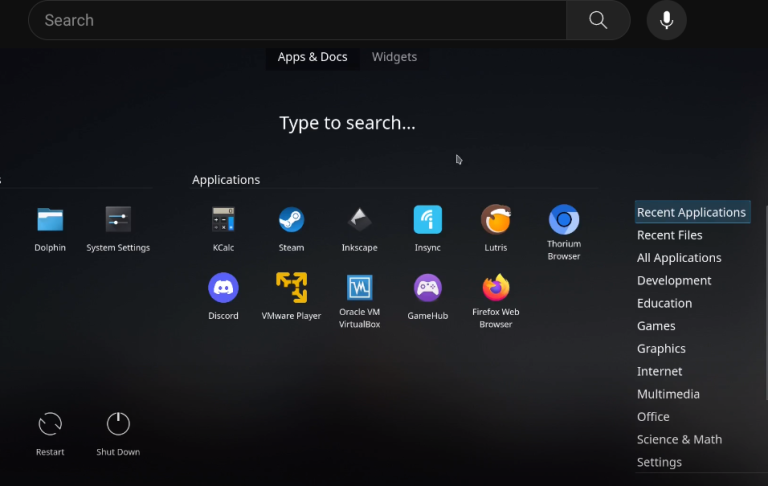
Showing the alternative launchers on KDE
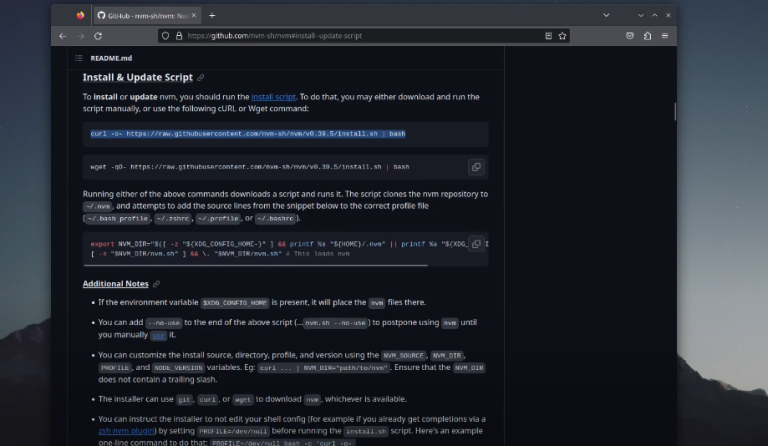
My preferred way to install Node.js https://github.com/nvm-sh/nvm

We have detected that you are using extensions to block ads. Please support us by disabling these ads blocker.
