Ubuntu install CoreCtrl
Control with ease your computer hardware using application profiles. installation sudo apt install corectrl url – https://gitlab.com/corectrl/corectrl
everything about linux distros
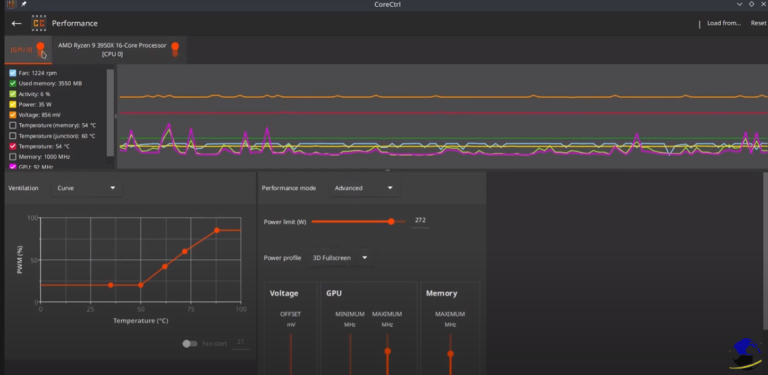
Control with ease your computer hardware using application profiles. installation sudo apt install corectrl url – https://gitlab.com/corectrl/corectrl
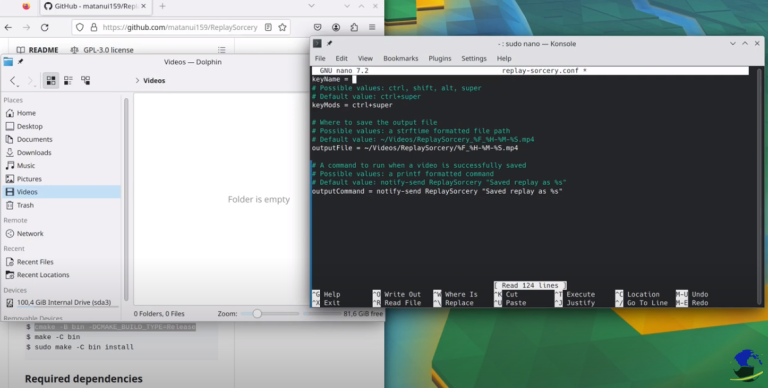
Install Replay sorcery to record instant replays. It is very easy install dependencies sudo apt install install cmake ffmpeg libx11-xcb-dev libavutil-dev libavformat-dev libavdevice-dev libavcodec-dev libavfilter-dev libdrm-dev libpulse-dev build-essentials GitHub URL https://github.com/matanui159/ReplaySorcery Building $ git submodule update –init $ cmake -B bin -DCMAKE_BUILD_TYPE=Release $ make -C bin $ sudo make -C bin install
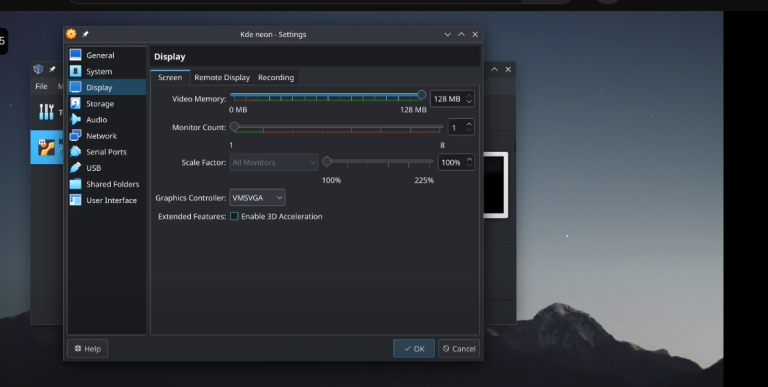
You can use the same method to install it on a bare machine. Create USB ISO on windows – • Tuts – Create an installation USB wit…
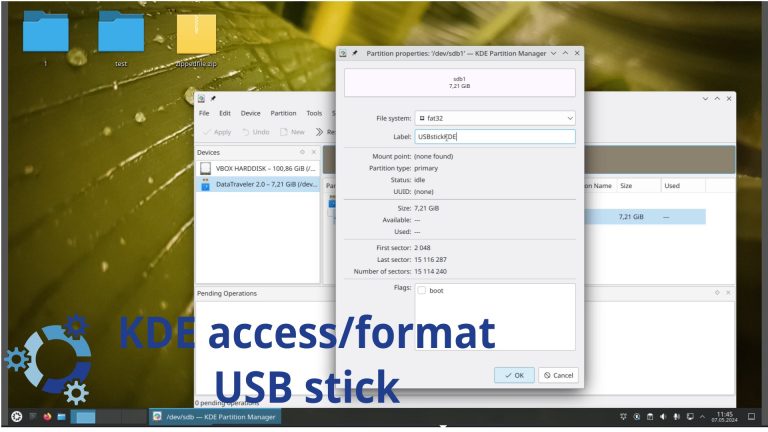
How to to access/format a USB stick in KDE Desktop environment My Gaming channel / @kronosgworld
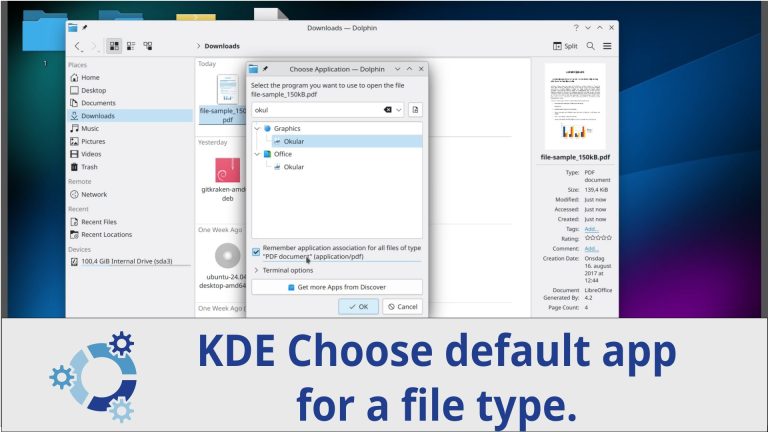
How to choose default application for a file in KDE My Gaming channel / @kronosgworld
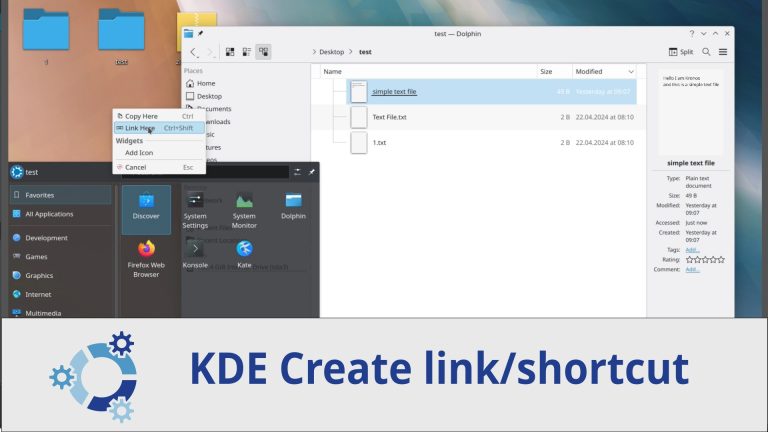
How to create a link/shortcut in KDE My Gaming channel / @kronosgworld
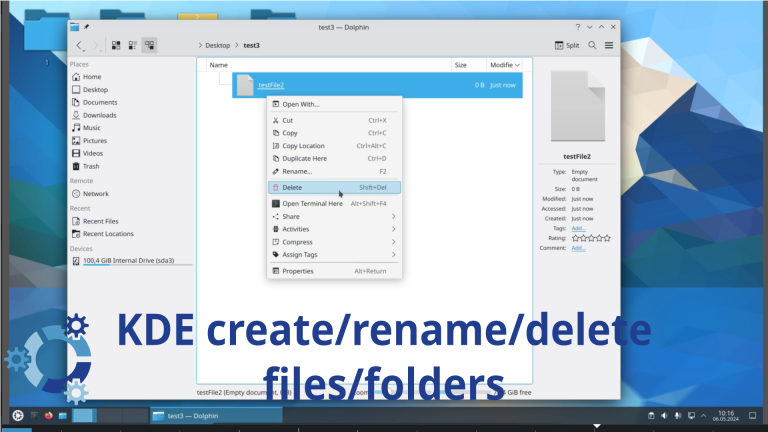
How to create/rename/delete files/folders in KDE
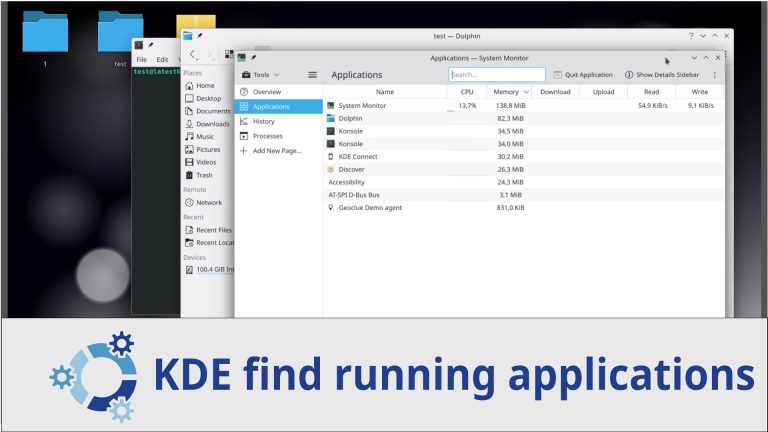
How to find running applications in KDE My Gaming channel https://www.youtube.com/@KronosGwoRld…
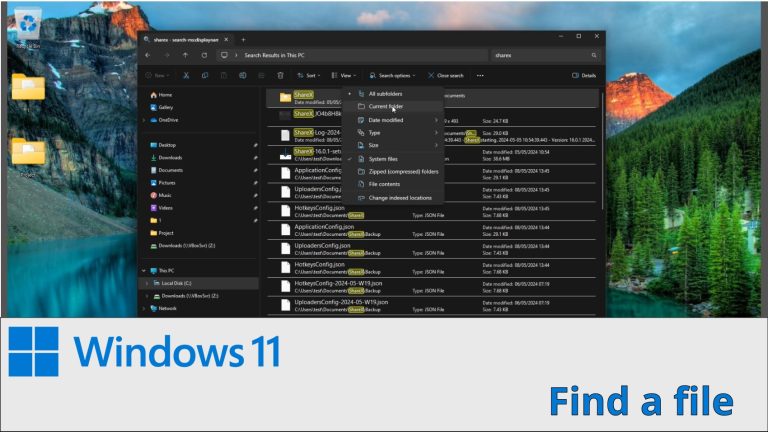
How to find/search a file in KDE. Install KFind My Gaming channel / @kronosgworld
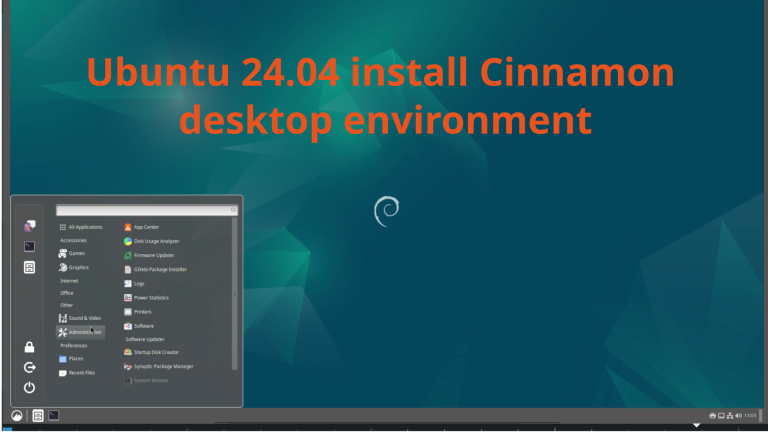
How to install Cinnamon Desktop Environment in Ubuntu 24.04