When I need to find/connect to a device on the network – KDE
How to find/connect to a device on the network – KDE My Gaming channel / @kronosgworld
everything about linux distro and not only
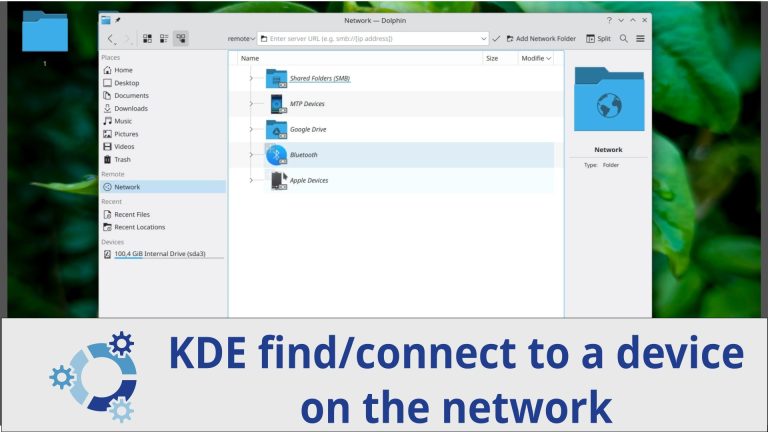
How to find/connect to a device on the network – KDE My Gaming channel / @kronosgworld
My Gaming channel / @kronosgworld
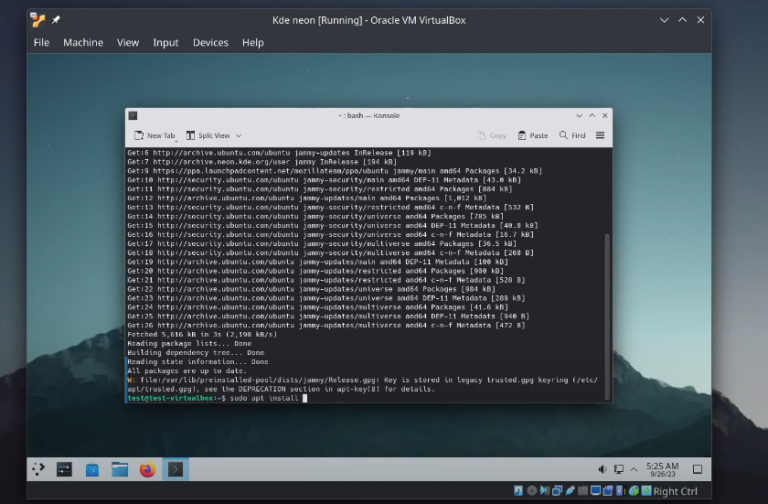
It is the same procedure with Ubuntu distro, because KDE neon based on Ubuntu sudo apt install build-essential linux-headers-$(uname -r) -y sudo ./VBoxLinuxAdditions.run sudo reboot
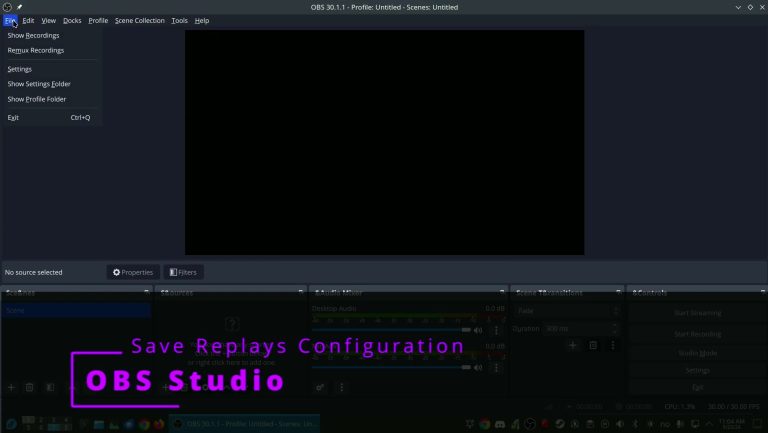
I use it in Fedora instead of replay sorcery when I was using Ubuntu
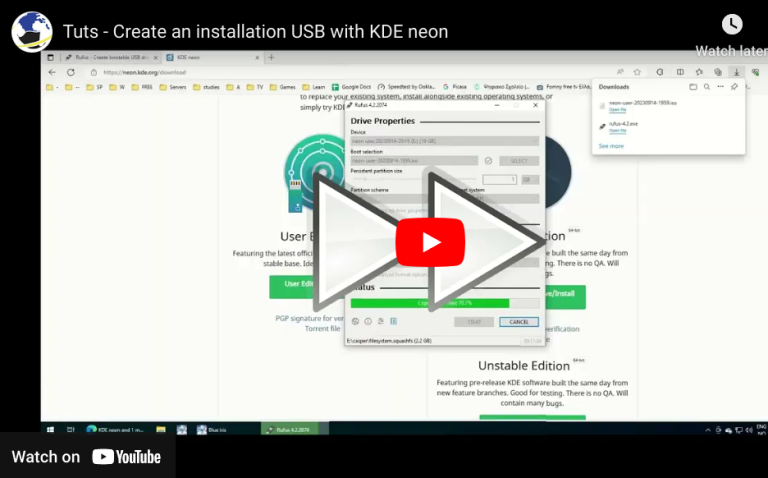
How to create a KDE neon live usb. You can use the same method for other distros URLS: https://rufus.ie/en/ https://neon.kde.org/download
Proxmox VE 9 represents a major evolution for open-source virtualization, built on top of the Debian 13 “Trixie” base and featuring an updated Linux kernel for modern hardware integration. Core Highlights of Proxmox VE 9 For step-by-step installation instructions, check out How to Install Proxmox, which walks through setting up the hypervisor platform from start…
Install TeamViewer in Fedora the easy way
Install Virtual box from cli
install visual studio code through Discover and from terminal sudo apt install code