KDE Discover application easy installation 2
Inkscape, Gimp, KdenLive and System update with discover. Easy, very Easy…
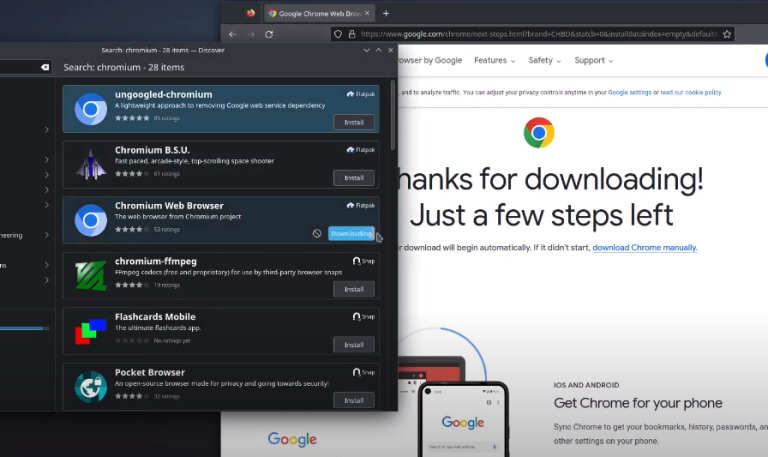
Inkscape, Gimp, KdenLive and System update with discover. Easy, very Easy…
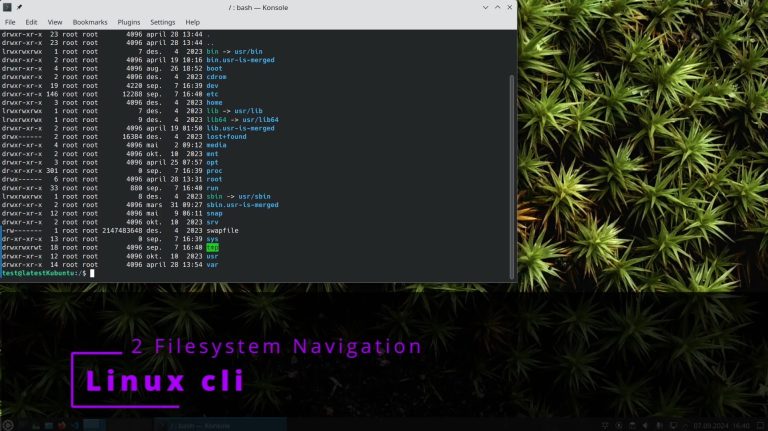
Linux organizes files in a hierarchical directory structure — a tree pattern starting from the root directory (/). Understanding how to navigate this tree is one of the most fundamental skills in the command line. Introduction Command Description cd / Move to the root directory ls Show files and folders in the current directory ls…
2 – How-To: Navigate Linux Filesystem Like a Pro How to Find Your Current Location in the Filesystem Steps: Why: Shows exactly where you are in the directory tree structure How to Move to Root Directory Steps: Why: Accesses the top-level directory that contains all other directories How to List All Files Including Hidden Ones…
3. GNOME Troubleshooting How to access GNOME settings How to configure default applications Settings ➡️ Apps ➡️ Default Apps How to fix missing dependencies on Ubuntu/Debian How to restart display manager How to check GNOME version How to verify desktop environment

Alpine Linux 3.23.0Alpine Linux 3.23.0 is the latest stable release for this lightweight, security-focused distribution, built upon the OpenRC init system and musl libc, making it extremely popular for containerization and embedded systems. This version ships with a wealth of major package updates, including the Linux kernel 6.18 LTS, the GCC 15 compiler, and modern…
Easy installation Visual studio Code and gitKraken
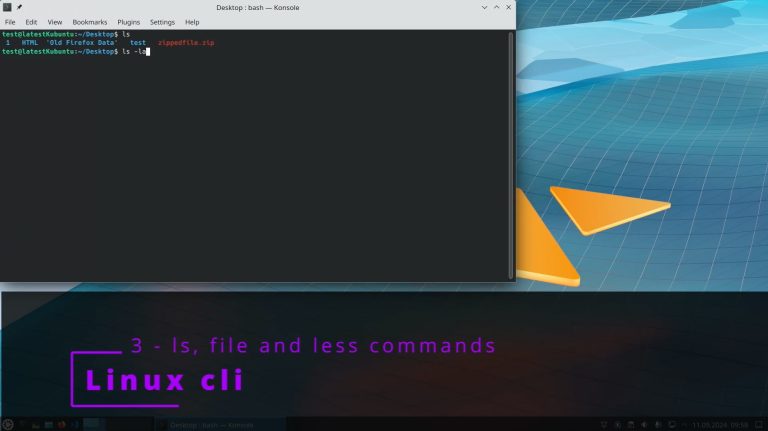
Three essential commands for exploring and viewing files: ls (list directory contents), file (identify file types), and less (view file contents page by page). The ls Command List the contents of a directory with detailed information about files. Command Description ls /var List contents of /var ls /var ~ List both /var and your home…
3 – How-To: ls, file and less commands How to List All Files in /var Directory Steps: Why: Shows system-wide files and directories that are typically not user-specific How to List Files in Both /var and Home Directory Steps: Why: Demonstrates how to view multiple directory contents simultaneously How to Show Detailed File Information in…
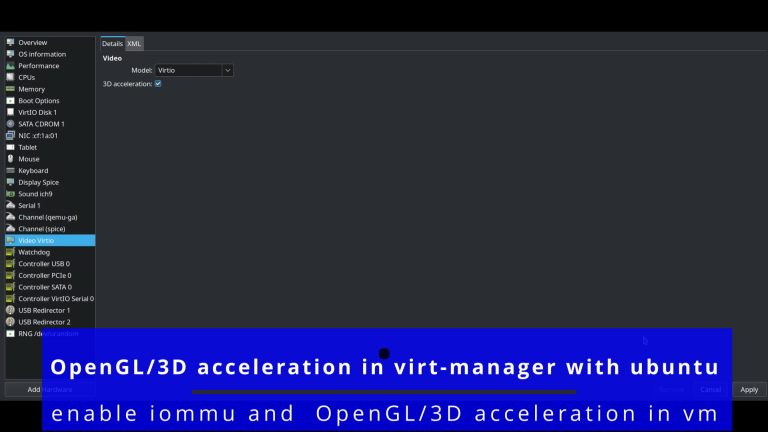
a – enable iommucheck if iommu is enabled from biosgrep -E ‘svm|vmx’ /proc/cpuinfoif is not enable it enabled to the biosthen edit grub → sudo nano /etc/default/grubadd → intel_iommu=on iommu=pt for intel or amd_iommu=on for amdat the GRUB_CMDLINE_LINUX_DEFAULTthen run → sudo update-grubsudo reboot b – enable OpenGL/3D acceleration in vmopen the settings of the virtual…

4. Dynamic Triple Buffering – DTB 🔧 HowTo Verify Dynamic Triple Buffering Is Enabled 🧪 HowTo Test Smoothness of Window Operations 🖥️ HowTo Optimize VSync Settings for Better Performance 🧑💻 HowTo Measure Input Latency and Frame Rate 🖼️ HowTo Test Multi-Monitor Performance with DTB Expected Outcome: 🧰 HowTo Troubleshoot Issues Related to DTB 🧪 HowTo…

We have detected that you are using extensions to block ads. Please support us by disabling these ads blocker.
