Ubuntu & KDE how to zip and unzip files
Use Dolphin and Terminal to compress and uncompress files with zip and unzip
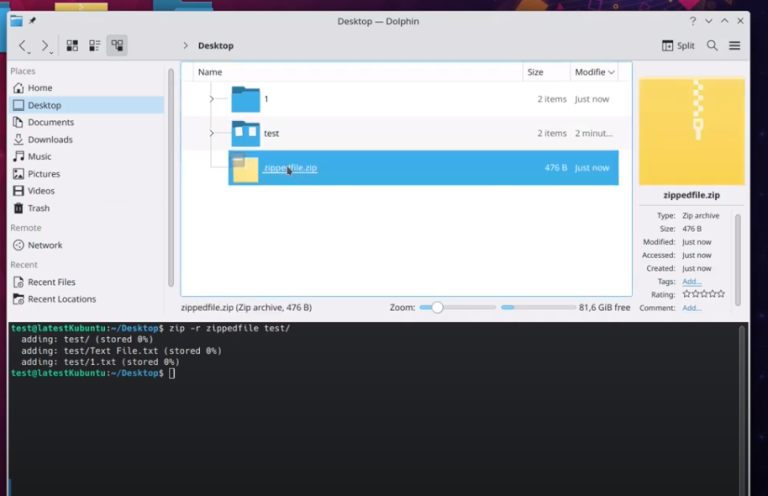
Use Dolphin and Terminal to compress and uncompress files with zip and unzip
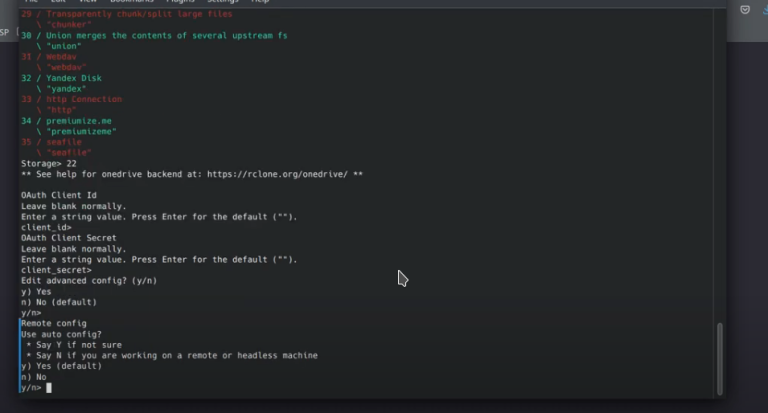
Easy access of onedrive with rclone on Ubuntu // runs rclone from cli in the background rclone –vfs-cache-mode full –vfs-cache-max-size 100G –vfs-cache-max-age 5000h –vfs-cache-poll-interval 5m –vfs-read-ahead 2G –bwlimit-file 32M –vfs-read-chunk-size=64M –vfs-read-chunk-size-limit=2048M mount –allow-non-empty onedrive: ~/onedrive & // the script to load on login. #!/bin/bash rclone –vfs-cache-mode full –vfs-cache-max-size 100G –vfs-cache-max-age 5000h –vfs-cache-poll-interval 5m –vfs-read-ahead 2G…
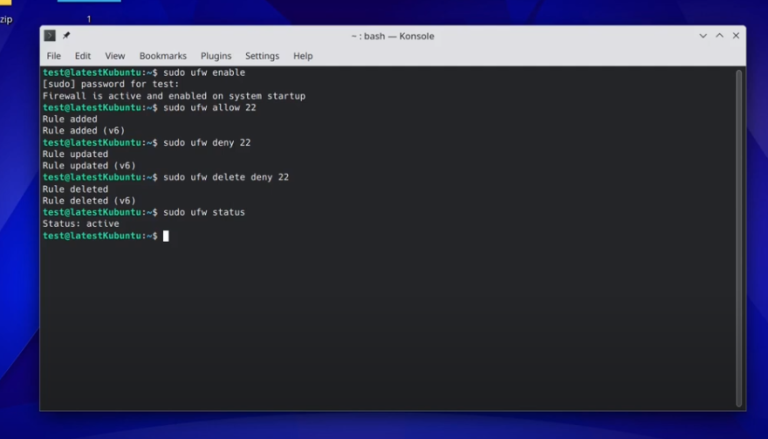
Enable ufw firewall and add/delete rules
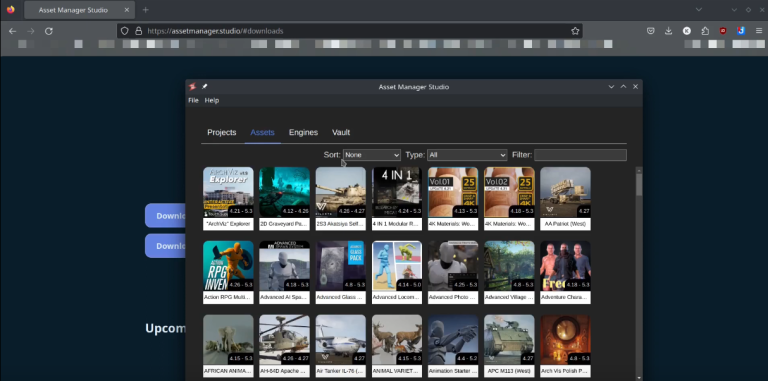
(K)Ubuntu 22.04, install Asset Manager Studio and then Unreal Engine from the studio. This way you can add assets to your projects
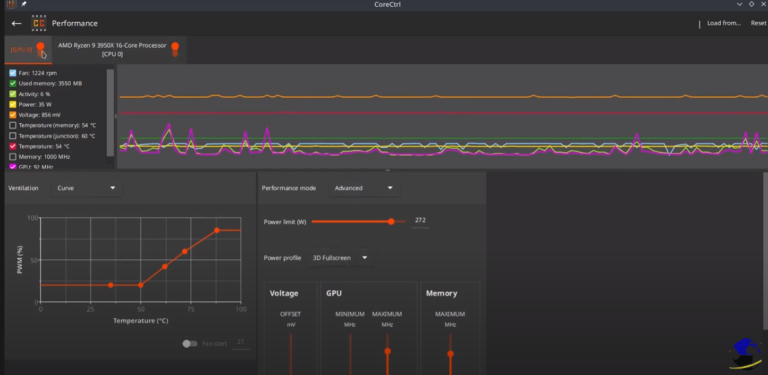
Control with ease your computer hardware using application profiles. installation sudo apt install corectrl url – https://gitlab.com/corectrl/corectrl
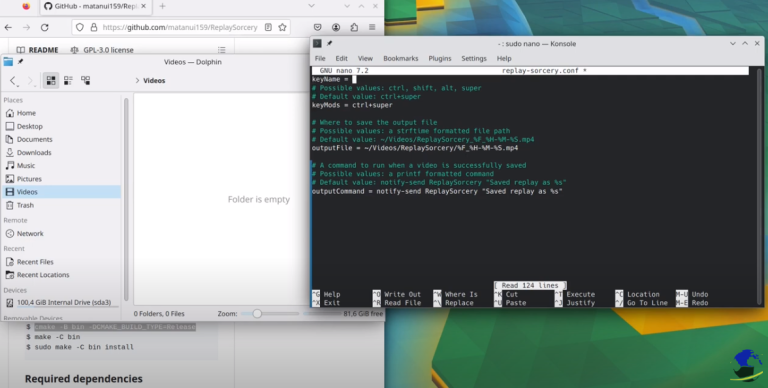
Install Replay sorcery to record instant replays. It is very easy install dependencies sudo apt install install cmake ffmpeg libx11-xcb-dev libavutil-dev libavformat-dev libavdevice-dev libavcodec-dev libavfilter-dev libdrm-dev libpulse-dev build-essentials GitHub URL https://github.com/matanui159/ReplaySorcery Building $ git submodule update –init $ cmake -B bin -DCMAKE_BUILD_TYPE=Release $ make -C bin $ sudo make -C bin install
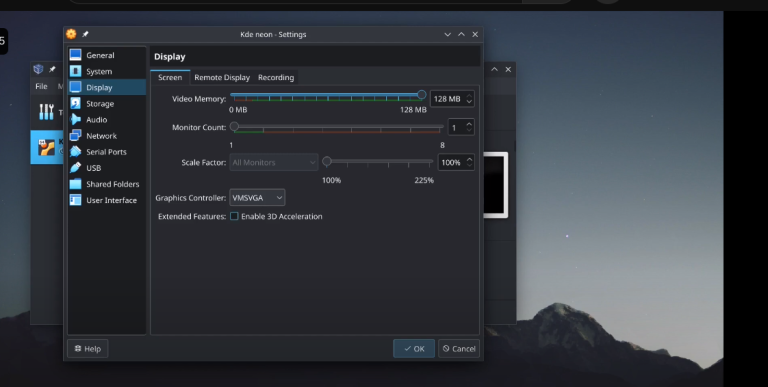
You can use the same method to install it on a bare machine. Create USB ISO on windows – • Tuts – Create an installation USB wit…
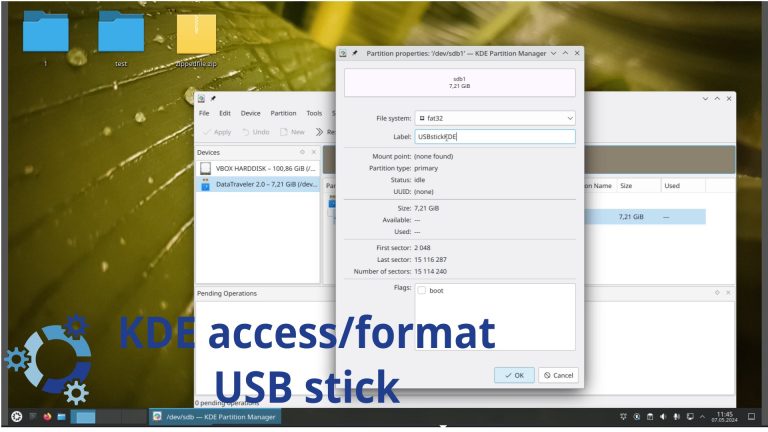
How to to access/format a USB stick in KDE Desktop environment My Gaming channel / @kronosgworld
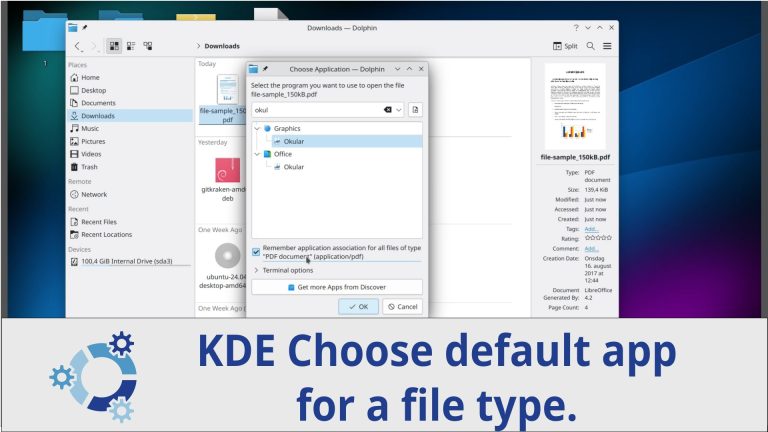
How to choose default application for a file in KDE My Gaming channel / @kronosgworld
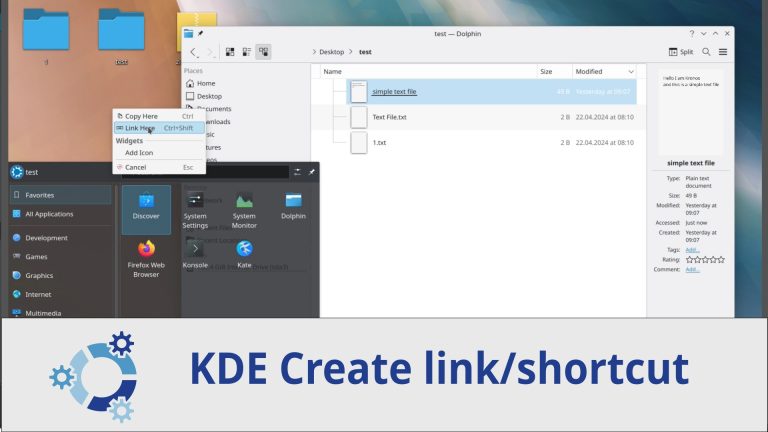
How to create a link/shortcut in KDE My Gaming channel / @kronosgworld

We have detected that you are using extensions to block ads. Please support us by disabling these ads blocker.
