Create an installation USB with KDE neon
How to create a KDE neon live usb. You can use the same method for other distros URLS: https://rufus.ie/en/ https://neon.kde.org/download
everything about linux distro and not only
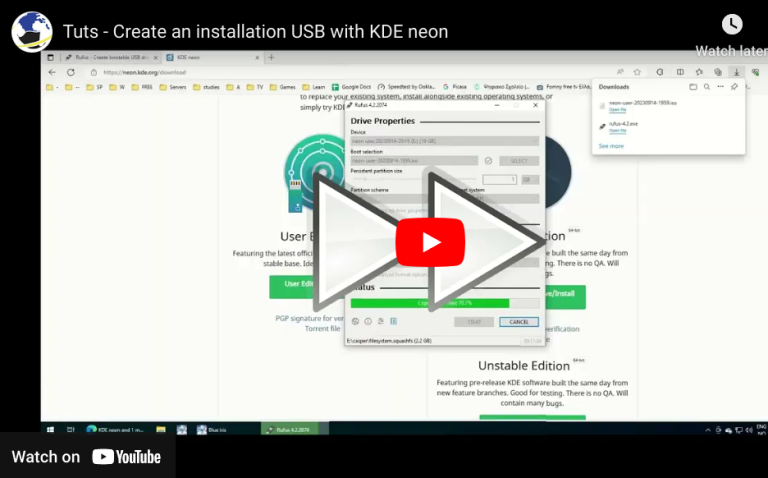
How to create a KDE neon live usb. You can use the same method for other distros URLS: https://rufus.ie/en/ https://neon.kde.org/download
Proxmox VE 9 represents a major evolution for open-source virtualization, built on top of the Debian 13 “Trixie” base and featuring an updated Linux kernel for modern hardware integration. Core Highlights of Proxmox VE 9 For step-by-step installation instructions, check out How to Install Proxmox, which walks through setting up the hypervisor platform from start…
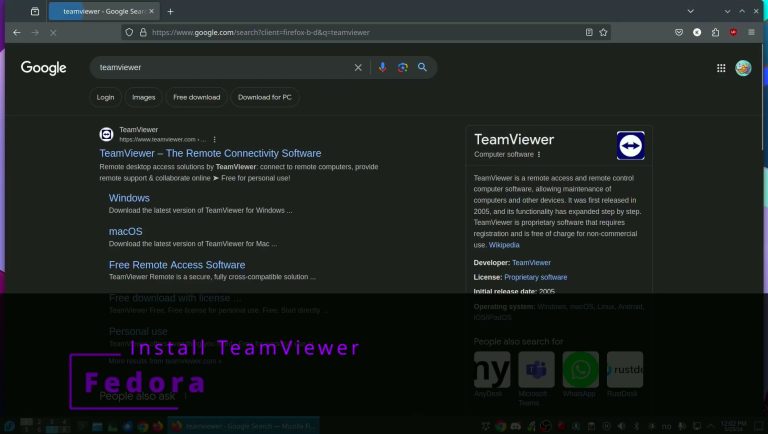
Install TeamViewer in Fedora the easy way
Install Virtual box from cli
install visual studio code through Discover and from terminal sudo apt install code
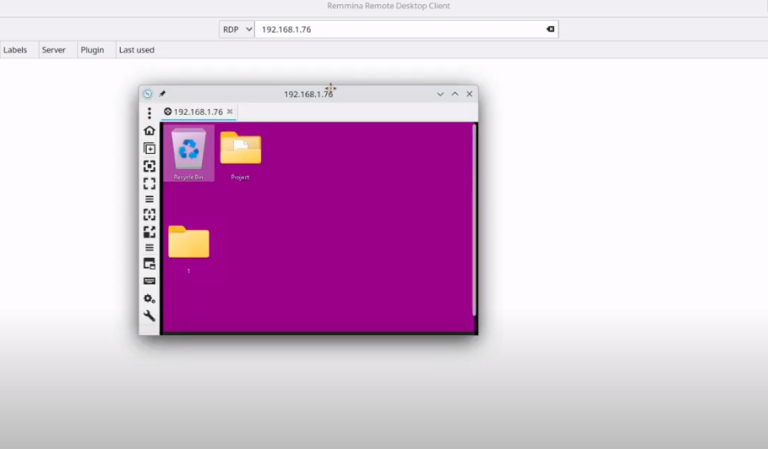
Use KRDC and Remmina to connect to a windows machine with remote desktop. Install Remmina
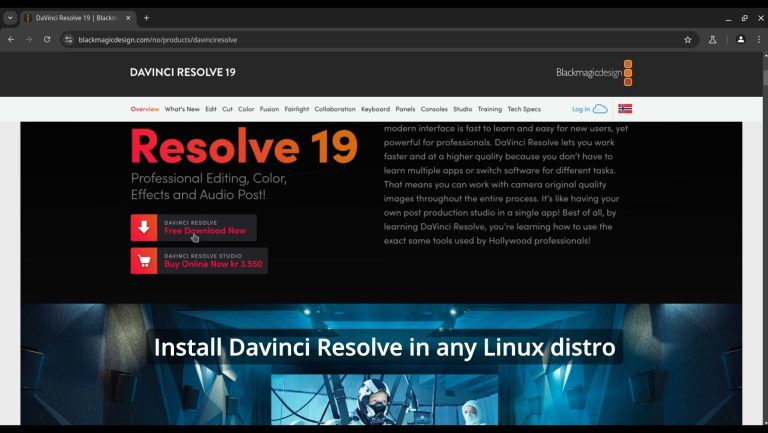
on hostsudo usermod -a -G render,video $LOGNAMEinstall distrobox and podmansudo zypper in podman distrobox orsudo apt install -y podman distrobox orsudo dnf install -y podman distrobox orsudo pacman -S -y podman distrobox rebootgo url to downloadhttps://www.blackmagicdesign.com/no/p…create a Fedora 40 container and enter itdistrobox create distrobox create –name fedora40 –image registry.fedoraproject.org/fedora:40distrobox enter fedora40install dependenciessudo dnf install…
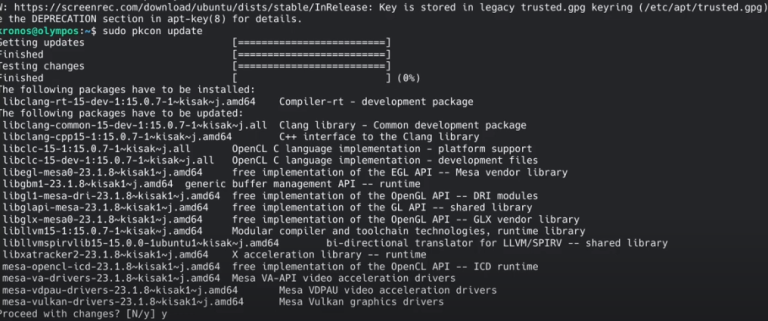
* Latest Stable mesa drivers: sudo add-apt-repository ppa:kisak/kisak-mesa sudo apt upgrade ** Remove sudo apt-get install ppa-purge sudo ppa-purge ppa:kisak/kisak-mesa * Latest mesa drivers: sudo add-apt-repository ppa:oibaf/graphics-drivers sudo apt upgrade ** Remove sudo apt-get install ppa-purge sudo ppa-purge ppa:oibaf/graphics-drivers

Fedora install VS code